Resources
Protected objects evaluated by Atom's online PDP.
Resources (/resources) are the objects that entities act on —
channels, invoices, documents, rules, or any other protected object your platform models.
Every resource has a Kind (a free-text namespace like invoice or channel) and,
optionally, a namespaced Object type used elsewhere as resource:<kind> when scoping
permission blocks.
Resources table
Columns: Name, Alias, Kind, Tenant, Owner, Created, Updated.
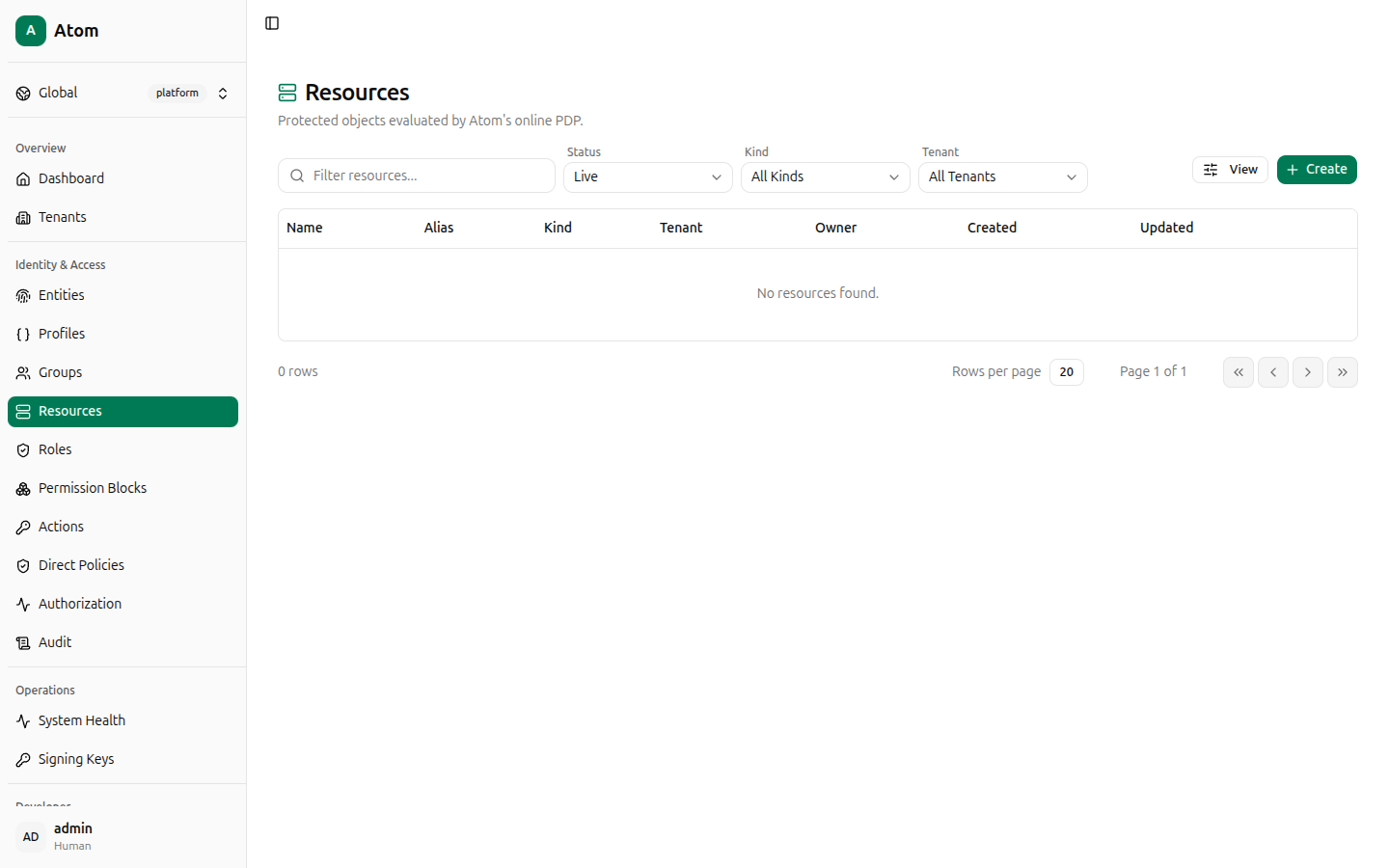
Create a resource
Click + Create.
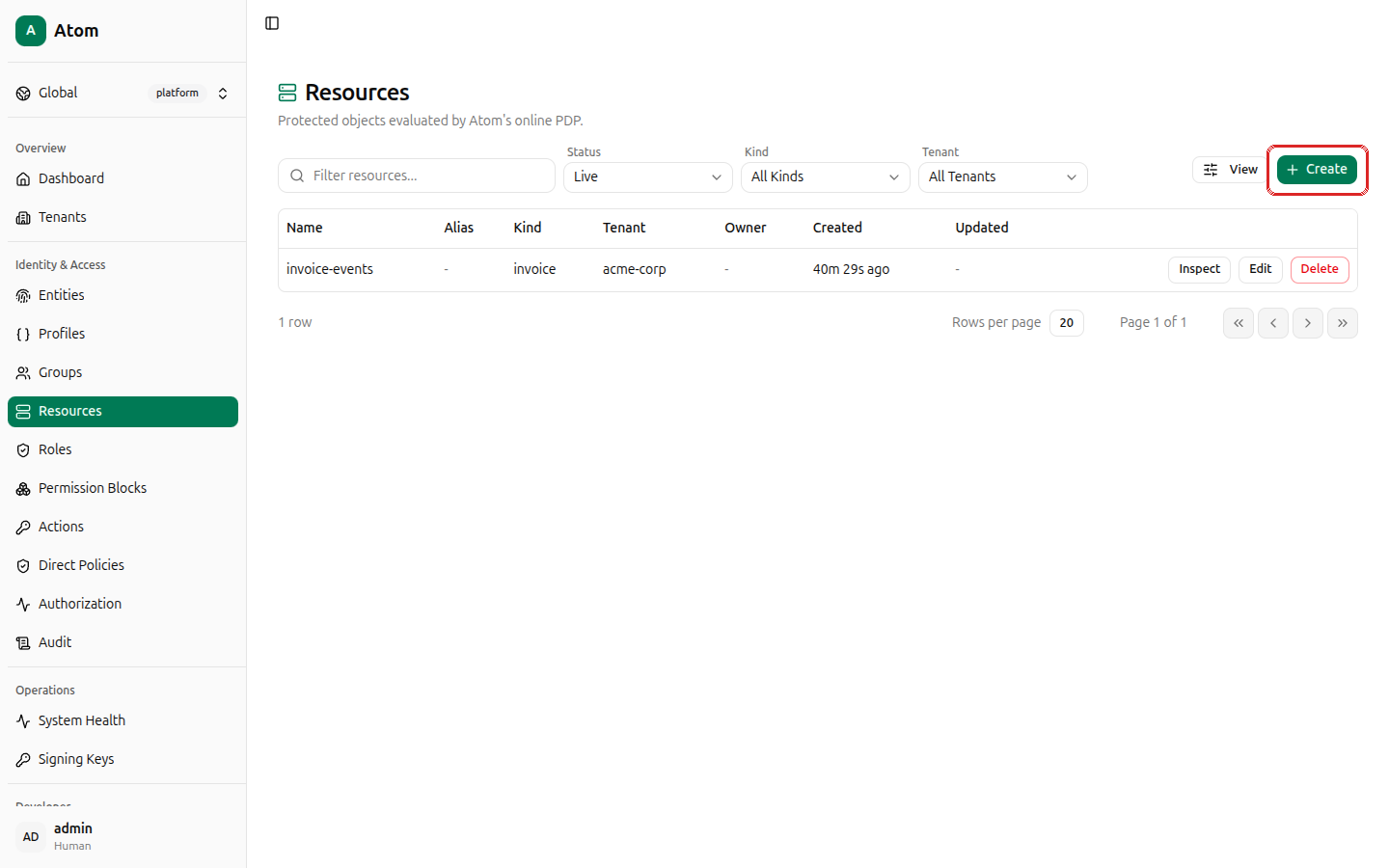
Fields:
- Kind (required) — free text, for example
invoiceorchannel. - Name — the resource's display name.
- Alias — optional short identifier.
- Tenant — defaults to — none — (platform scope); pick a tenant to scope it.
- Owner entity — optionally set an owning entity (used for ownership/parent-child relationships, not authorization directly).
- Attributes JSON — free-form metadata, defaults to
{}.
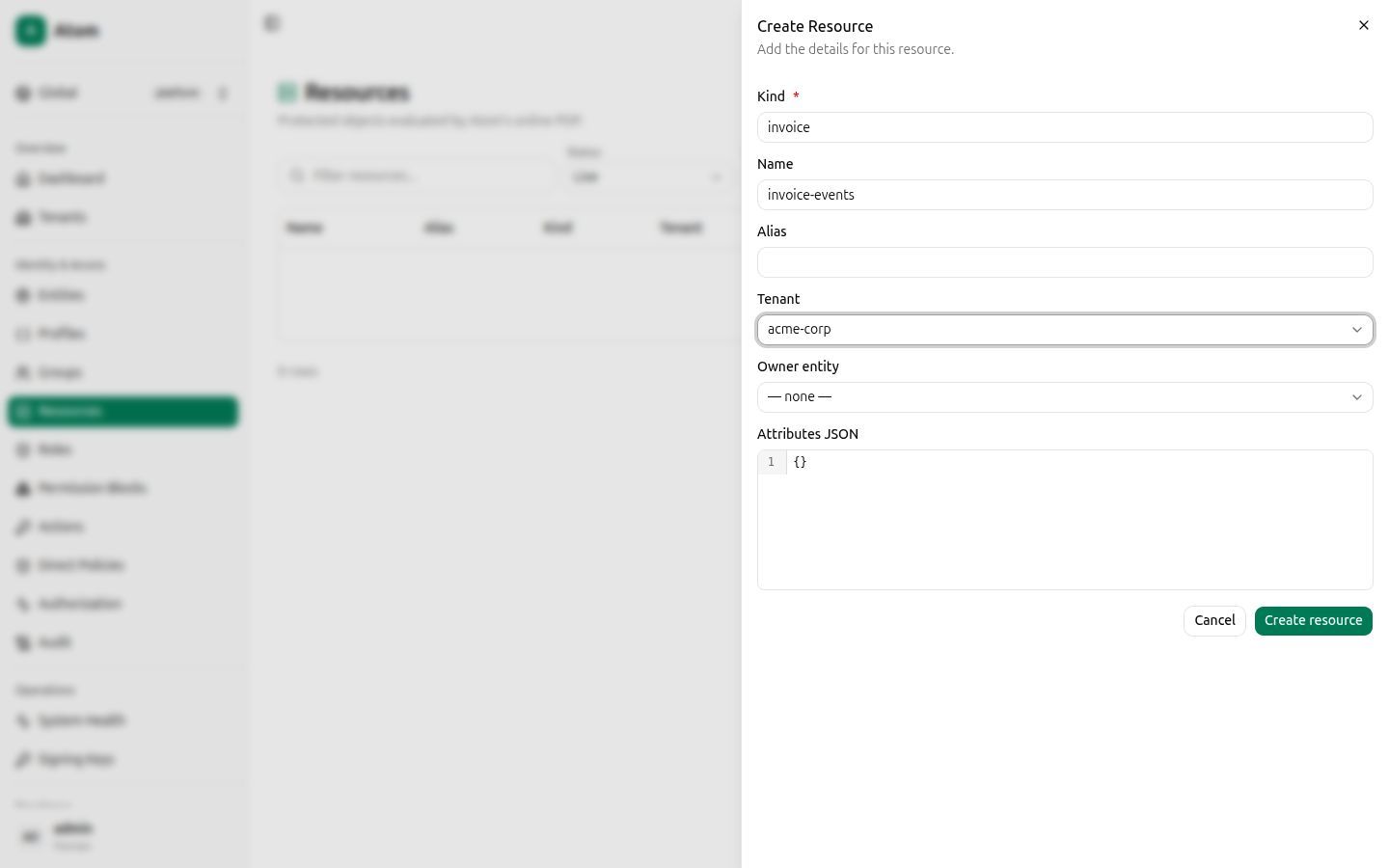
Click Create resource.
Row actions
- Inspect — view details.
- Edit — change name, alias, tenant, owner, or attributes.
- Delete — remove the resource.
Inspect
Shows ID (with copy button), Name, Kind, Tenant, Created, and
Attributes, plus an Authorization debugger shortcut — Check authorization —
that opens Authorization with this resource pre-filled as the
target object (?targetKind=resource&targetId=<id>).
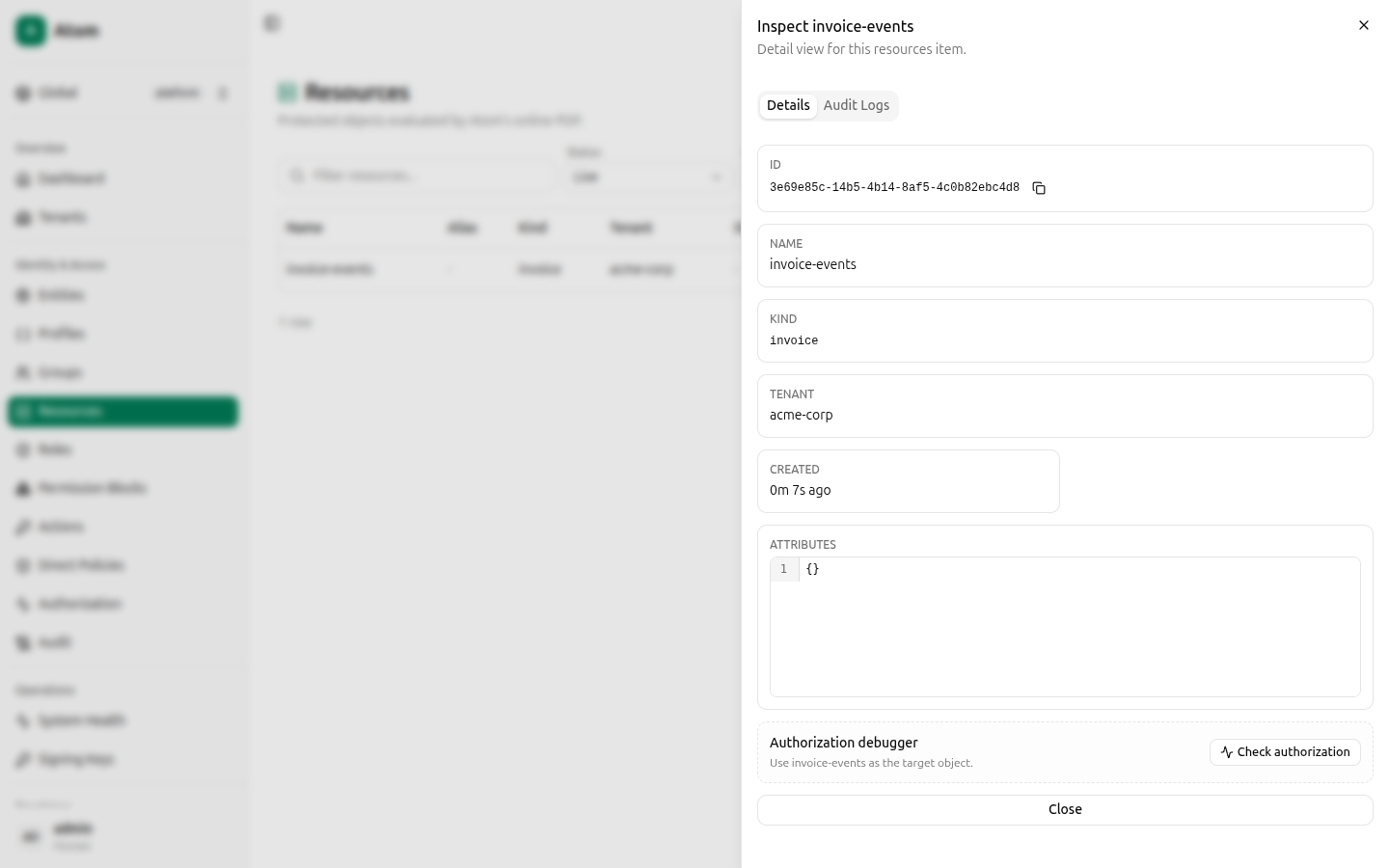
Copying a resource ID
You'll frequently need a resource's ID when scoping a permission block to Exact object. Click Inspect on the resource's row, then the copy icon next to ID.
How resources connect to access control
A resource only becomes protected once two other pieces exist:
- An Action Applicability row telling Atom which actions (
read,write,publish, ...) are valid for this resource's kind or object type. - A Permission Block whose scope references this resource (directly by ID, by kind, by object type, or via an object group it belongs to) and whose Actions list includes the action being checked.
Without both, an Authorization check against this resource
always returns Denied with reason no matching allow policy.